Flame Graphs: Turning Raw Samples Into a Map of Where Time Is Spent
Performance problems often arrive as a vague complaint: the service feels sluggish, a report takes too long, or latency climbs after a release. The hard part is not noticing that something is slow; it is finding where the time goes. This beginner guide to reading a flame graph for slow code paths explains how sampling turns raw observations into a clear map of CPU activity and how to use that map without guessing.
Why systems slow down
A program slows down when work takes longer than expected. That work may be CPU-bound, such as parsing, encryption, or sorting. It may be waiting on I/O, locks, or network calls. It may also be caused by poor scheduling, memory pressure, garbage collection, or contention among threads. The visible symptom rarely points directly to the cause, so engineers need evidence that connects a request to the code that consumed time.
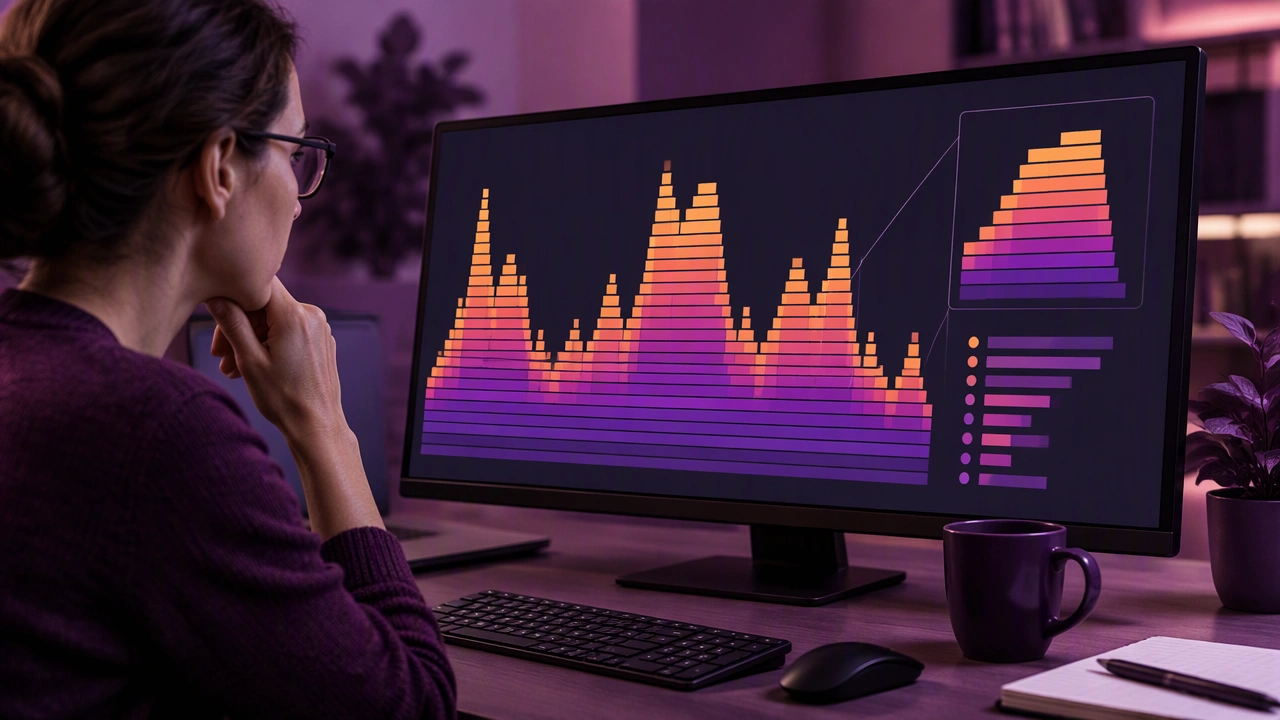
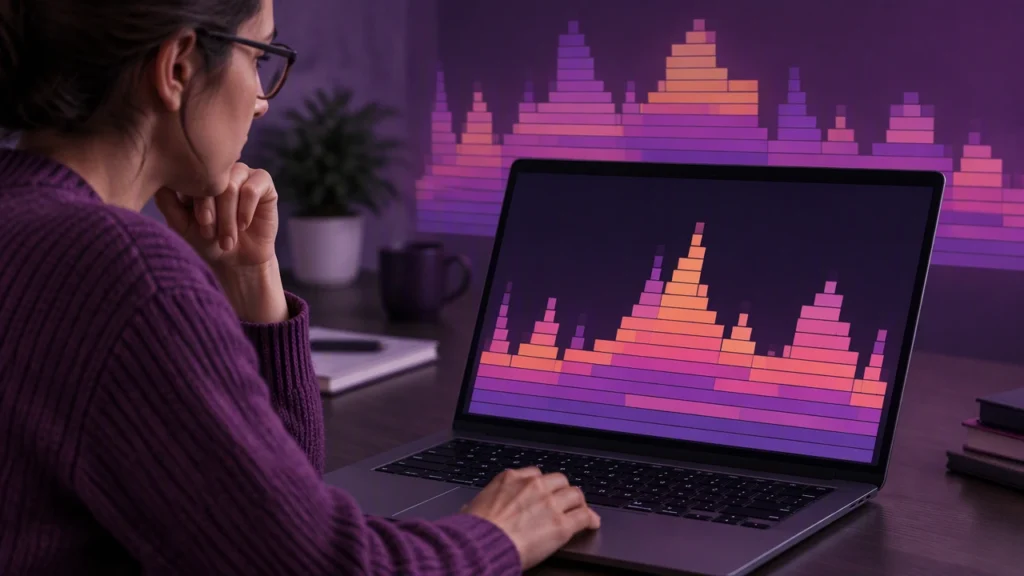
Profiling tools collect that evidence by sampling the program while it runs. Instead of tracing every instruction, a sampler records a stack trace at intervals. Over many samples, frequently executed paths appear more often. A flame graph organizes those samples so that width represents relative time and height represents call depth. The result is a compact view of where the process spent its attention.
From samples to a map
A flame graph is built from stack traces. Each trace is a chain of active function calls, from the entry point down to the function that was running when the sample was taken. The tool counts how often each stack appears, then merges shared prefixes into a tree. Each rectangle is a function or frame. Its width shows the proportion of samples that include that frame, and its height shows its position in the call stack.
Width is the key idea. A wide frame does not necessarily mean the function is slow in isolation; it means that a large share of samples passed through it. The frame may be doing work itself, or it may simply call a wide child. Reading the graph therefore means comparing a frame with its children rather than looking at a single bar in isolation.
How to read the graph
Start at the top of the chart, where the leaf functions appear. These are the frames that were executing when samples were captured. Look for broad leaves, because they often reveal hot loops, serialization, compression, or expensive library calls. Then follow the path downward to see which callers lead there. A wide leaf under a narrow parent can indicate a concentrated cost; a wide path from top to bottom suggests that the whole call chain is active.
Pay attention to recursion and repeated helpers. When the same function appears in several places, the graph may show multiple rectangles with similar names. Merging rules and inlining can also change the shape, so compare the visual structure with the call context rather than assuming that every rectangle is a separate source file.
Color is not a universal language in flame graphs. Some tools use warm colors for CPU time and cool colors for waits, while others use color only to distinguish frames. Check the legend before drawing conclusions. The safest interpretation is based on width, depth, and the sampling method.
Reading for slow code paths
Use a simple sequence when investigating a slow request:
- Establish the baseline. Confirm the sample window, process, and request type. A graph from a background job will not explain an API latency spike.
- Find the widest paths. Identify frames that occupy a meaningful share of total samples, especially near the leaves.
- Follow callers upward. Trace the path from the hot leaf to the entry point to understand which feature or workflow owns the cost.
- Separate self time from total time. A frame with a large total width may be a container; the cost may belong to its children.
- Compare scenarios. Capture graphs before and after a change, or compare healthy and degraded periods, using the same workload.
For example, a wide json_decode leaf under a request handler suggests that parsing is consuming a large share of samples. The next question is whether the payload is unusually large, the handler is parsing repeatedly, or a library is doing work that could be avoided. The graph does not answer that question by itself, but it gives a precise place to investigate.
Common misreadings
Flame graphs are not timelines. They do not show the order of events, and a wide frame does not prove that a function caused every slow request. Sampling also has limits: very short functions may be missed, and blocking waits may be underrepresented if the sampler only records CPU stacks. Interpret the graph together with latency metrics, logs, and, when needed, a different profiling mode.
Another trap is optimizing a frame that is wide only because it calls many children. Refactoring a parent without changing its children may produce no improvement. Conversely, a narrow frame can matter greatly if it runs on a critical path or holds a lock. Context determines priority.
Turning the map into action
A useful profile leads to a small, testable hypothesis. Reduce payload size, cache a repeated computation, change an algorithm, move work off the request path, or remove an unnecessary lock. After the change, collect a new profile under comparable load and compare widths. If the hot path shrinks and latency improves, the evidence is strong. If the shape does not move, the bottleneck was elsewhere.
Flame graphs do not replace engineering judgment. They make the judgment better by showing where time is concentrated, which callers matter, and which explanations deserve measurement. Read the map patiently, verify each conclusion with another signal, and let the samples guide the next experiment.